GPT Image 2 is OpenAI's latest image model — built for precise prompt following, accurate text rendering, and structural consistency. Turn any description into a polished visual in seconds.
Try GPT Image 2 Free🎁 Free 20 credits · No credit card · No sign-up
A generation step forward in image quality, structure, and reliability
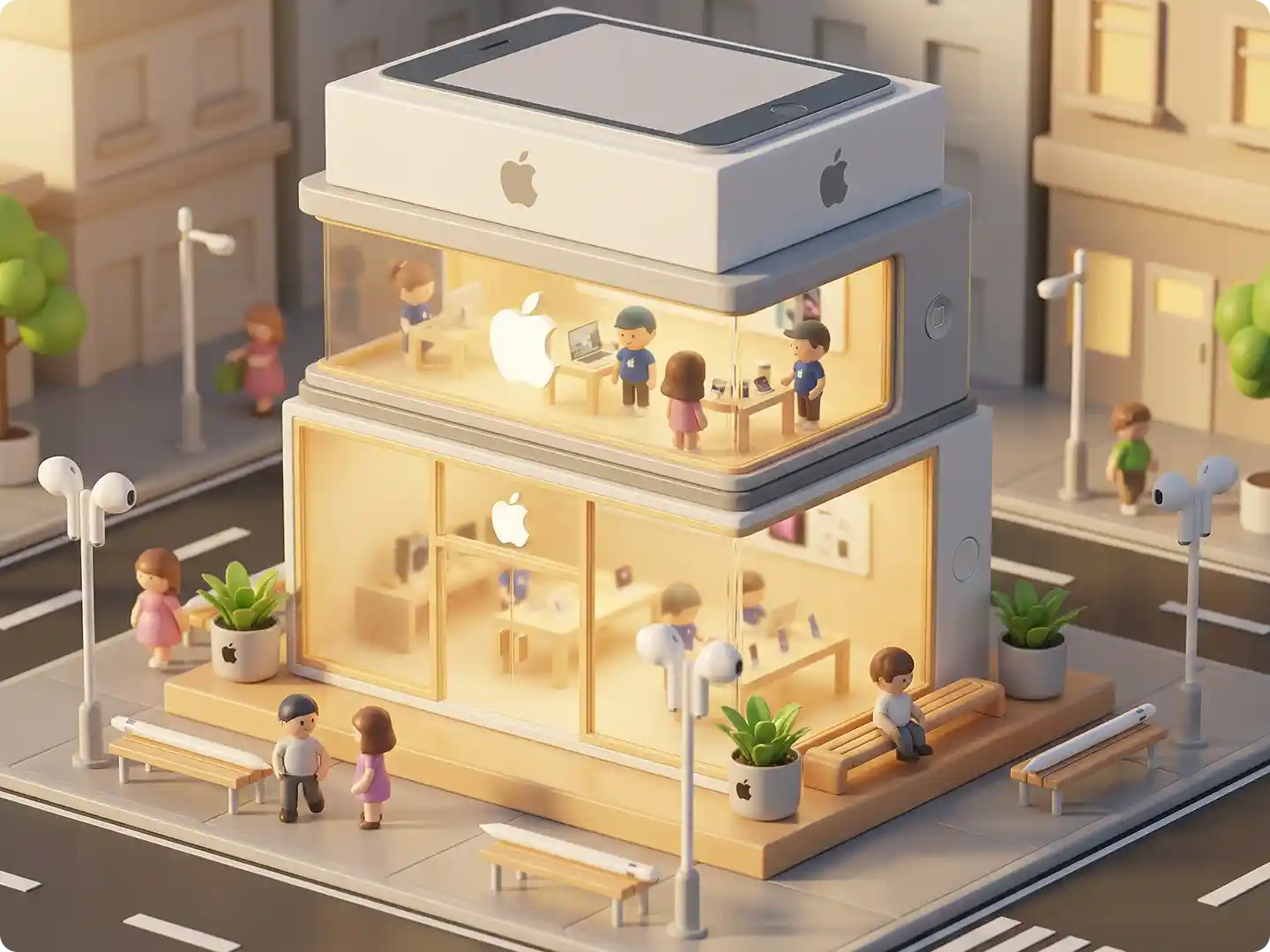
GPT Image 2 understands long, detailed prompts and keeps spatial relationships, object counts, and perspective more stable than any previous image model. No design background required — just describe what you want.
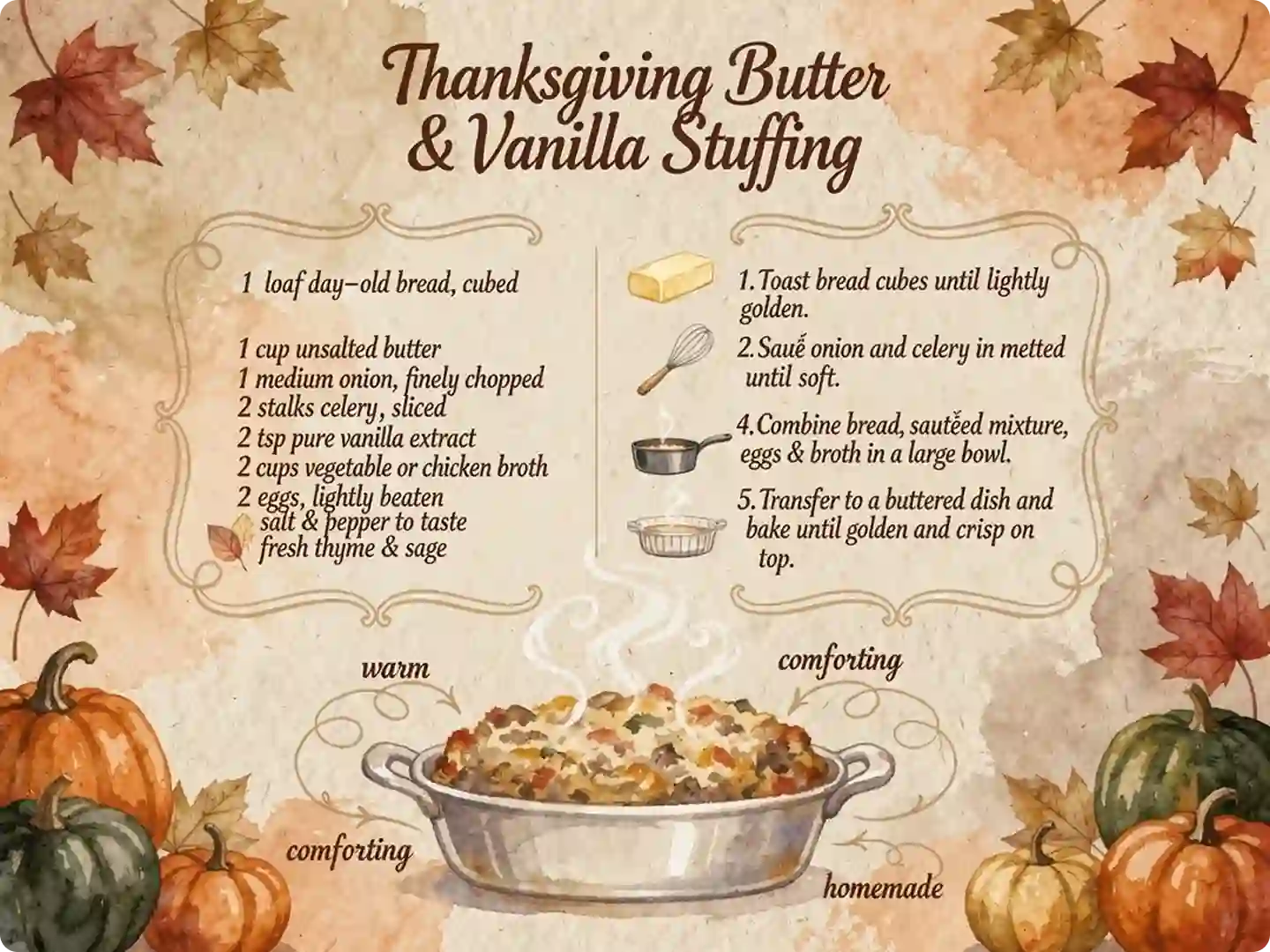
Logos, headlines, UI labels, and body copy render correctly inside the image — GPT Image 2 finally solves the misspelled-text problem that has plagued every earlier AI image model.
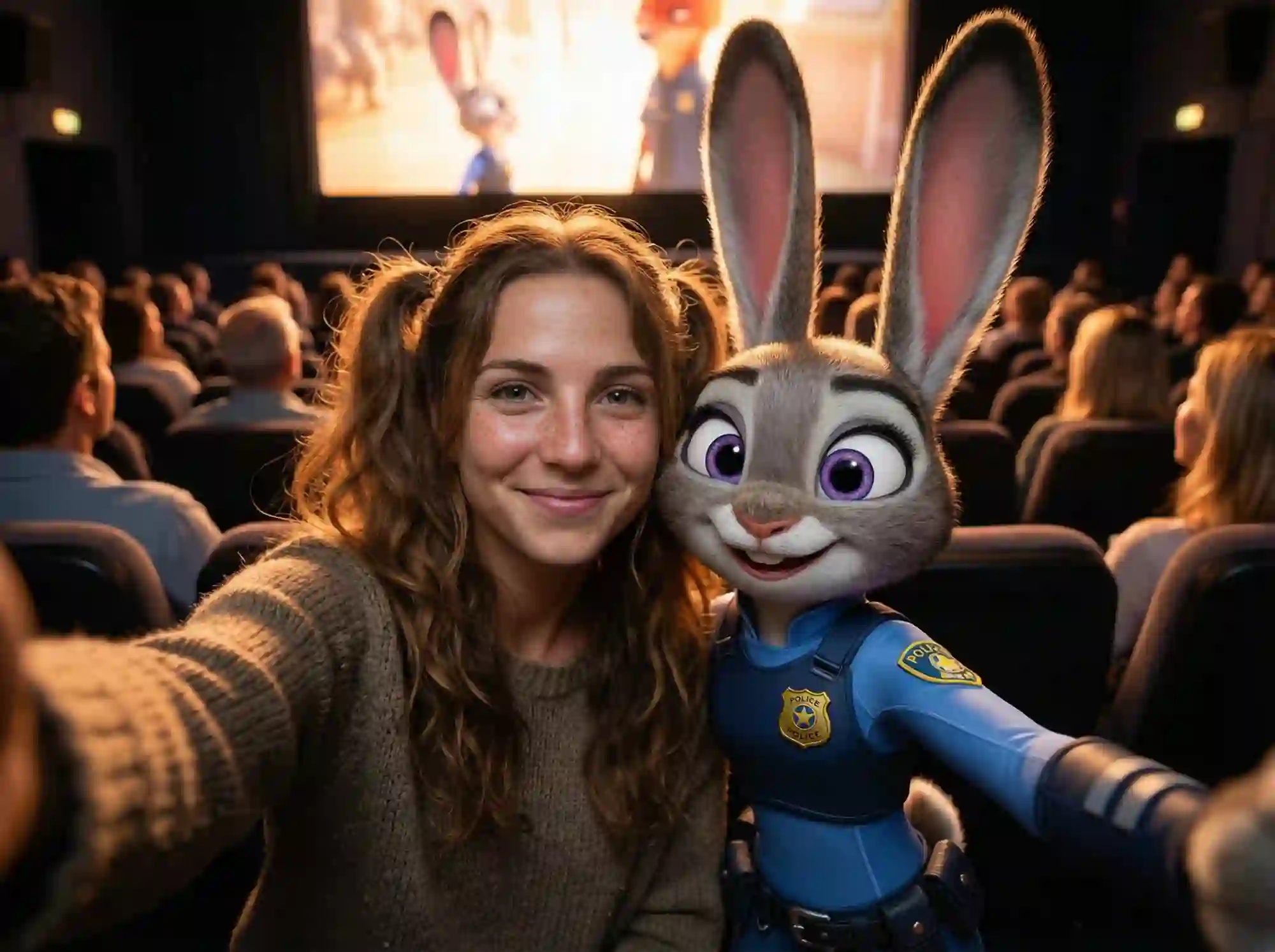
Hands, faces, bodies, and product shapes stay anatomically correct. GPT Image 2 also handles reflections, shadows, and material surface details more reliably — photorealistic outputs with no retouching required.
GPT Image 2 supports image-to-image generation, region-specific editing, and style transfer — iterate on existing visuals rather than always starting from scratch. Perfect for product retouching and brand asset updates.
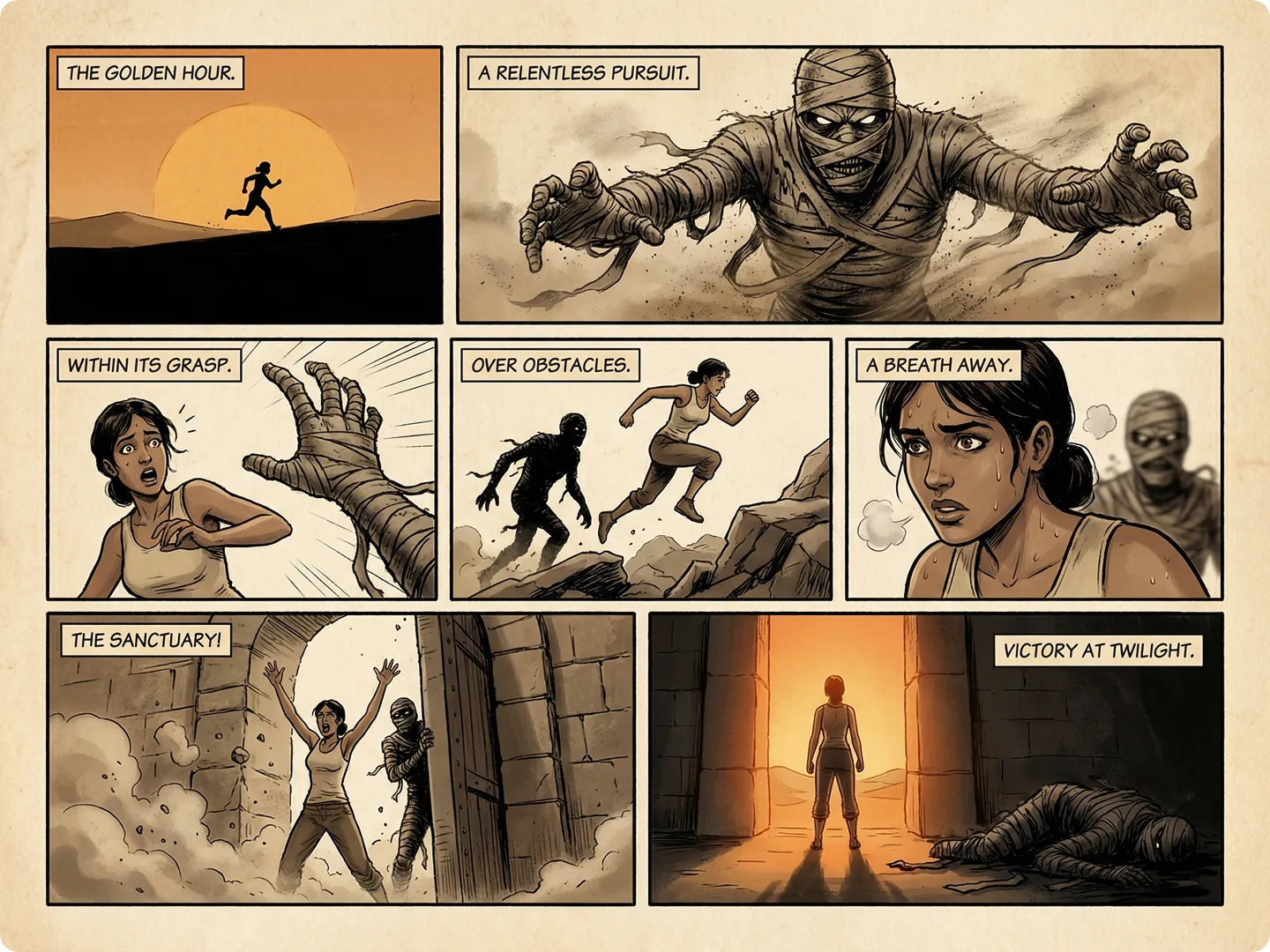
With GPT Image 2, generate campaign visuals, e-commerce product shots, social graphics, and content illustrations at scale — all production-ready with full commercial rights and no attribution required.
Create high-quality AI images in three simple steps — no design skills required.
Type a detailed prompt in plain language — include the subject, style, composition, lighting, and any text you want to appear in the image.
Select GPT Image 2 as your model, then pick the output size (square, portrait, or landscape) that fits your use case.
Click Generate and your GPT Image 2 image is ready in seconds. Download in full resolution with complete commercial rights — no watermark.
From solo creators to marketing teams — GPT Image 2 fits every workflow
Generate on-brand campaign visuals, ad banners, and promotional graphics with GPT Image 2's accurate text and logo rendering.
Create clean, studio-quality product shots and lifestyle imagery without a photo shoot.
Produce scroll-stopping visuals for Instagram, LinkedIn, and X — sized and styled for each platform.
Use GPT Image 2 to draft wireframes, app screens, and data visualisations that actually render readable labels and text.
Common questions about GPT Image 2
20 free credits. No sign-up. Your first image ready in seconds.
Try GPT Image 2 Free →